
Introducing Match Criteria
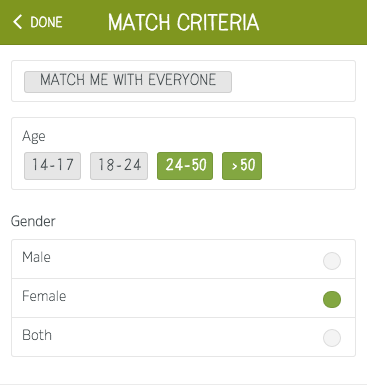
New Feature: Parents can now quickly locate helpers just around the corner using a new set of filters that allow users to include or exclude helpers if they meet certain criteria.
The first release allows you to filter using age groups and gender. Additional options including working with children checks (WWCC) are coming soon.
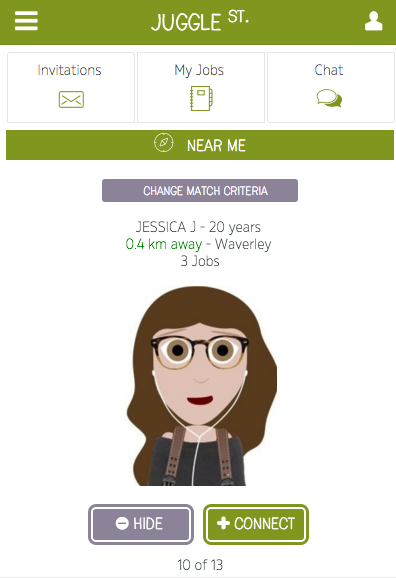
You can set your match criteria by tapping on 'Change Match Criteria' as shown below or by tapping on My Account (top right icon) then selecting 'Helper Match Criteria'.
Check it out today on your mobile device and let us know your feedback.