
Introducing Video Profiles
New Feature: Helpers are now able to upload an introductory video that can be used to showcase their skills and expertise. Having a video profile can greatly improve your chances to be invited to jobs.
If you have recorded a video to upload, tap on the profile menu (top right corner) then tap on About Me and finally tap on Upload Video, this will show the Select Video screen as shown below.
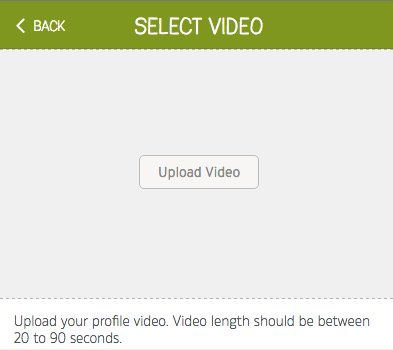
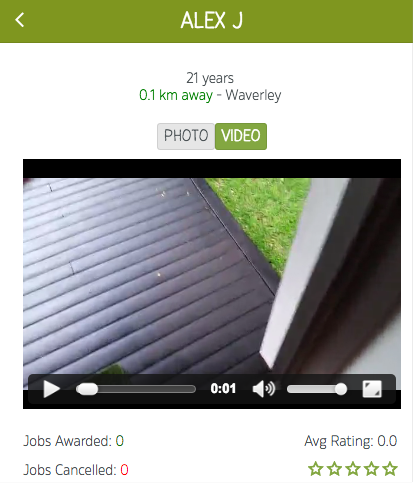
Once the video has been uploaded, our team will review it, and approve it. Once that happens, it will be displayed in various places in the system including the helper's profile page as shown below.
Click here for an online guide on how to shoot a video with your phone.
Check it out and let us know your feedback.