
Parent to Parent Connections and more
New Feature: We have launched a major update to the desktop site offering a set of new features including better search filters, a new network page, ability to connect, chat and exchange recommendations with other families among others.
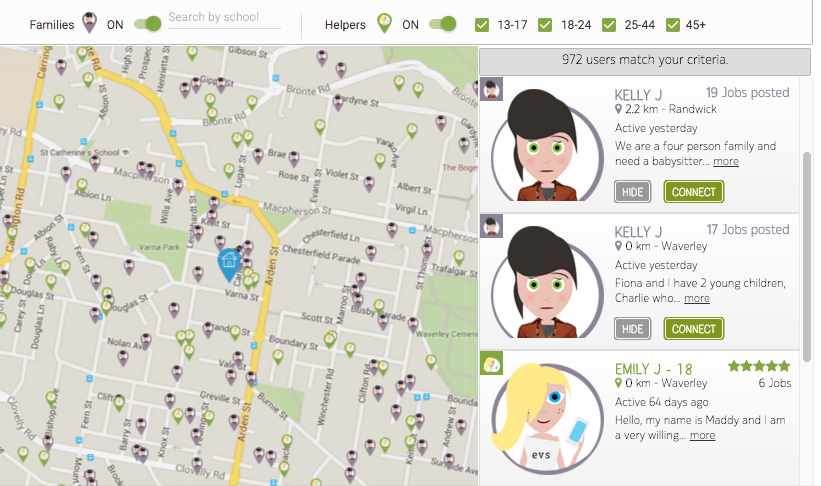
The new search filter bar can be used to quickly locate parents or helpers. As the network gets denser and more users join the network, these filters become handy as they allow you to filter your neighbourhood by families or helpers. Additionally, helpers can be filtered by age groups.
Here is what it looks like:
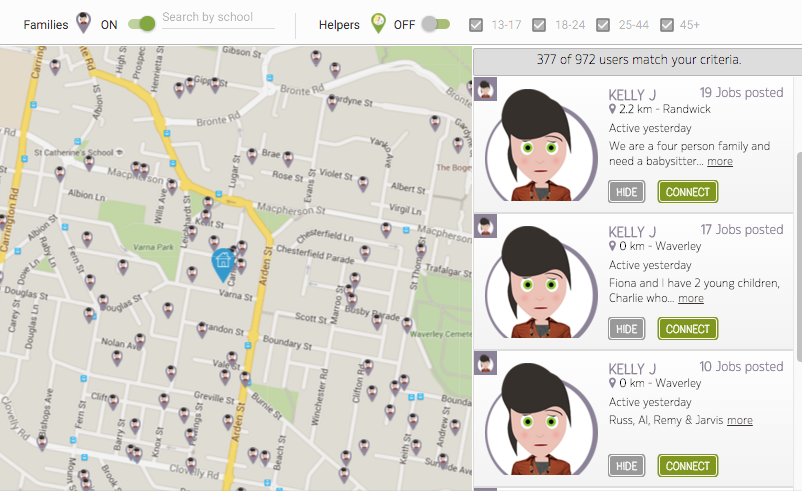
You can use the On/Off filters to show and hide families or helpers around you, for example, you can show families only by turning the helper filter off.
Connecting with other families around you offers several advantages, initially, you can ask them for recommendations regarding babysitters or nannies and with the built-in chatting features, you can discuss and exchange different topics.
The process of connecting with families is similar to helpers, either search through the map or use the sidebar, view their profiles then click on Connect.
Click on any pin of interest to display brief information about a family or helper.
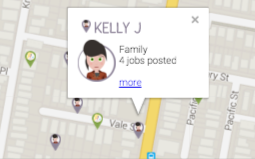
Click on 'more' if you are interested in more details.
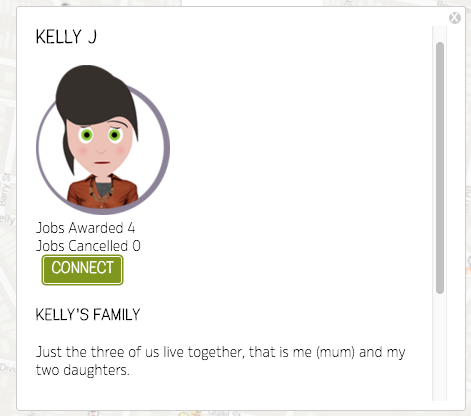
Once connected, you can chat and exchange recommendations.
Check it out on your PC or Mac and let us know what you think.
Note: Search for parents by school is coming soon.